QC Inspections
Grade every item.
Your manager sees it live.
Staff grade on tablet or phone. Photos and notes go straight to your dashboard, in real time.
Tap to grade. Snap a photo.
Staff select Good, Minor Issue, or Rejected for each item. Add a photo and notes if needed.
- Three-grade system with photo capture
- Notes required for flagged items
- Progress bar with counter
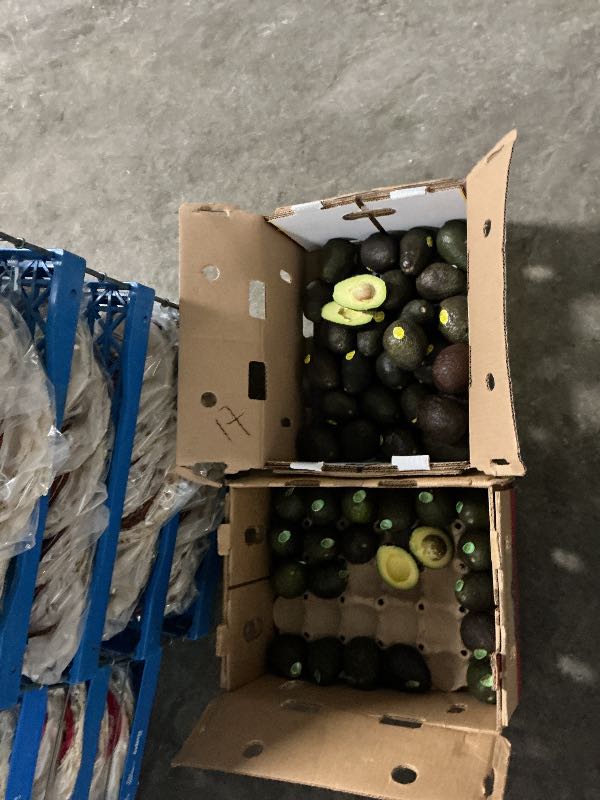
Size 60 Avocado
Case of 48ct
 Minor
Minor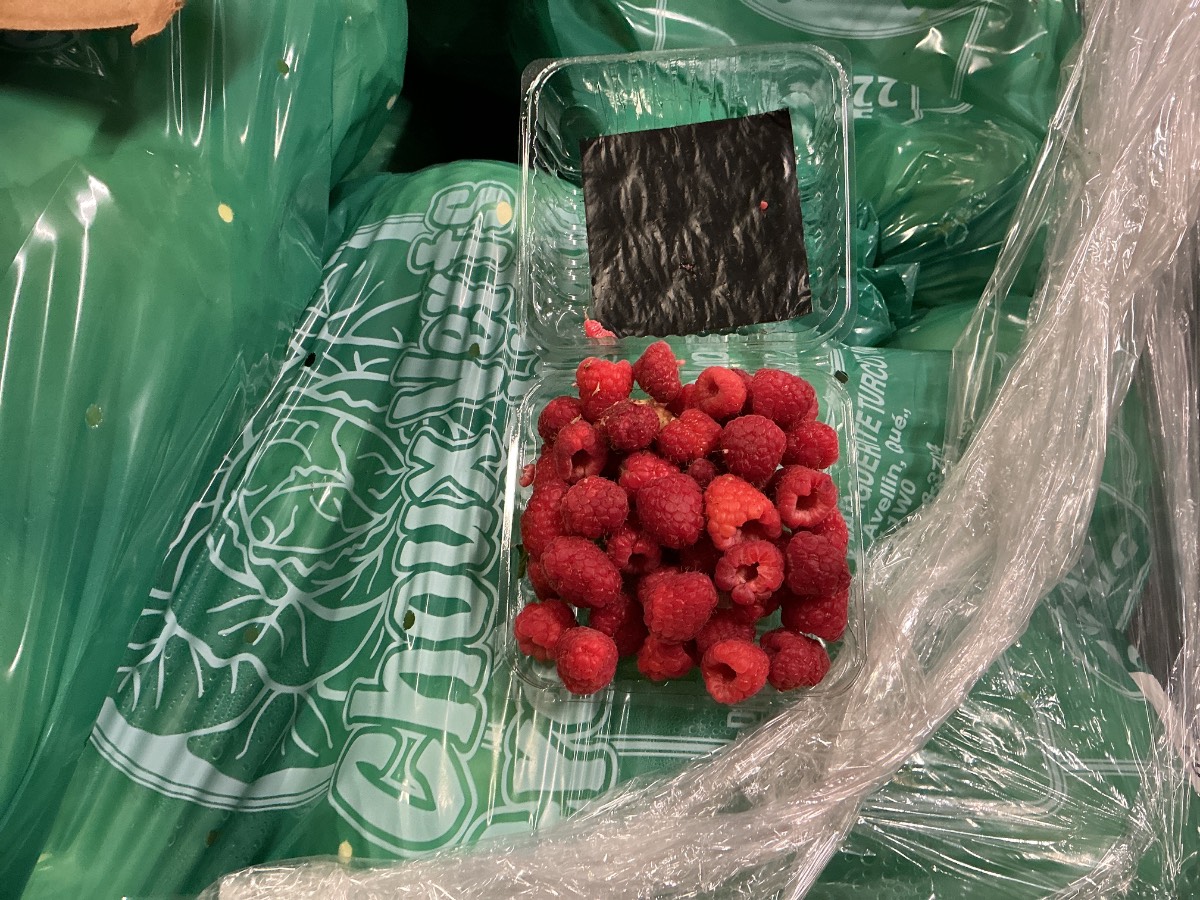
Raspberry Flat 12pt
Flat of 12 pints
Your manager sees results live
Grade breakdown, contributors, and flagged items appear on the admin dashboard instantly.
- Aggregate grade bar with contributor summary
- Flagged items with notes
- Voice notes via AI transcription
68% Good22% Minor10% Rejected
Contributors
John D. (8 items)Mike R. (6 items)
Flagged Items
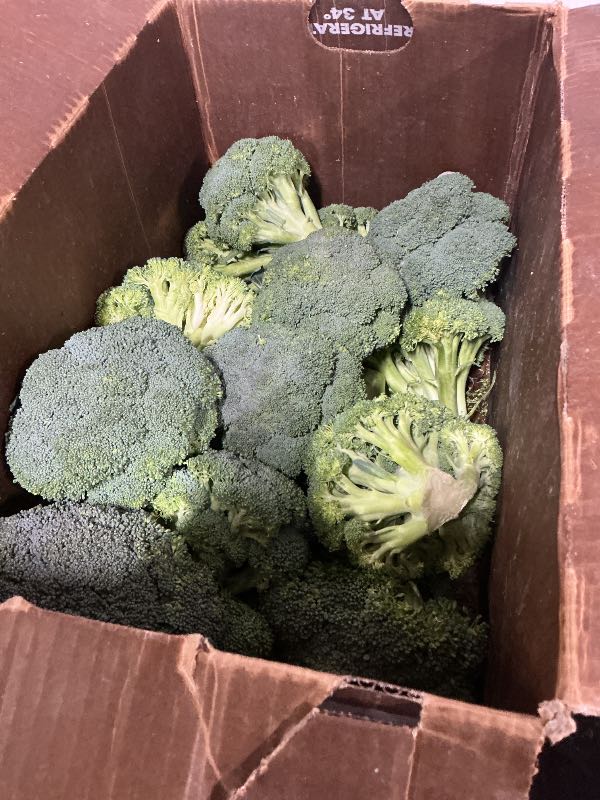
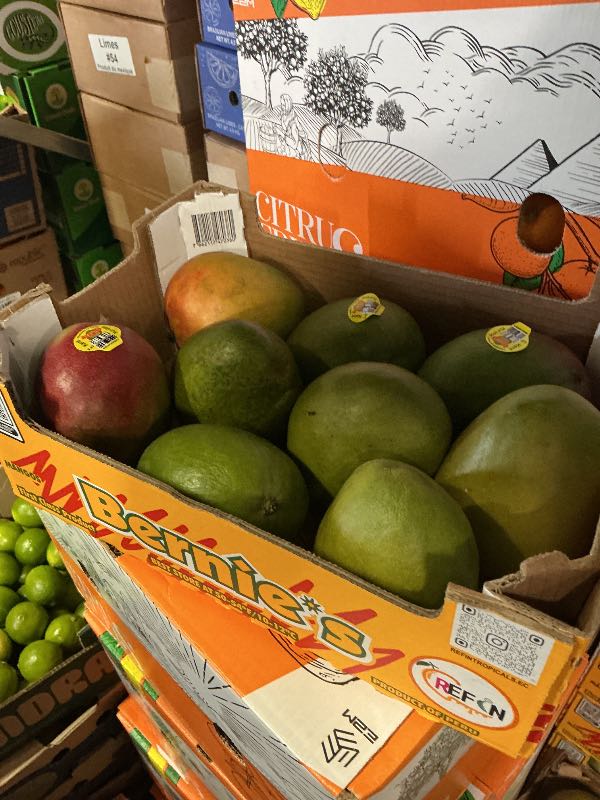
Mango 9-12
Slight bruising on 2 units
Broccoli Crown
Yellowing on 40% of crowns
Live dashboard — see who's inspecting
Staff names, progress, and results — all updating every 5 seconds.
- Staff names visible in real time
- Multi-user or single-user mode
- Email alerts on completion
Produce Inspection
John D., Mike R. working
Dairy QC Check
Completed by Sarah M.
Weekly Specialty Items
Not started
Operational Checklists
Every task. Every shift.
Done and documented.
Staff tap to complete on any device. You see who did what, instantly.
Tap to complete. Add voice notes.
Staff tap each task done and add notes if needed. AI transcribes voice notes instantly.
- Checkbox or Pass/Fail with voice-to-text
- PIN-based staff identification
- Progress bar with counter
Check cooler temps
"All coolers at 34-36F"
Check hand sanitizer stations
Build templates for any workflow
Create templates with named sections. Toggle single or multi-user mode per template.
- Named sections with multi-user toggle
- Optional photo requirements
- Archive old templates
Operational
Morning Opening
12 tasks -- 2 sections
Evening Closing
8 tasks -- 1 section
QC
Weekly Deep Clean
15 tasks -- Photos required
See who completed each task
Staff names appear when they PIN in. Live progress updates every 5 seconds.
- Staff name on every task
- Live auto-refresh dashboard
- Email on completion
Morning Opening
John D. (8), Mike R. (4)
Evening Closing
Sarah M. working
Weekly Deep Clean
Not started
Stop chasing paper checklists
See how it works in a quick demo.
Request a Demo
Inventory Checklists
Count sheets your team
actually fills out.
Section-based templates on tablet or phone. Know who counted what.
Count by section on any device
Items grouped by location — Dairy, Produce, Dry Storage. Staff tap through each section.
- Named sections with progress counter
- Cases and Units columns
- Staff name on every count
Export and share anytime
Download completed counts as CSV or PDF. Create templates per warehouse area.
- CSV and PDF export
- Multi-staff counting
- Email on submission
Main Cooler Count
42 items -- 5 sections -- Stock enabled
Dry Storage
28 items -- 3 sections
Live progress on your dashboard
See who's counting and how far along they are, in real time.
- Staff names visible live
- Per-item attribution
- Auto-refresh every 5 seconds
- History by date
Main Cooler Count
Mike R. counting
Make inventory counts effortless
See section-based counting in action.
Request a Demo
Waste Tracking
Know exactly what's
being thrown away.
Every item, every reason, every dollar — logged in 15 seconds.
Log waste in 15 seconds
Staff PIN in, pick the item, select a reason, snap a photo. Cost is calculated automatically.
- Searchable item picker with photo evidence
- Reason codes: Expired, Damaged, Quality
- Auto cost calculation
See where the money is going
Total waste cost, top items, most common reasons — filterable by date range.
- Breakdown by item and reason
- Period comparison with trends
- Spot patterns before they grow
Size 60 Avocado
Most wasted item
Expired
Most common reason
Every entry shows who logged it
Staff name, time, item, reason, cost — all on your dashboard. Admins can log waste directly too.
- Staff name and photo on every entry
- Admin direct entry option
- Live auto-refresh dashboard
Size 60 Avocado -- 3 cases
Expired -- John D. -- 9:15 AM
Raspberry 12pt -- 1 flat
Damaged -- Sarah M. -- 8:42 AM
Mango 9-12 -- 2 boxes
Quality -- Admin -- 8:30 AM
Start tracking waste today
See how easy 15-second waste entry is.
Request a Demo
HACCP Visitor Log
Replace the clipboard
at your door.
Digital sign-in with signature capture. Always audit-ready.
Sign in on tablet at the door
Visitors type their name, company, and reason. Then sign with a finger or stylus.
- Finger or stylus signature capture
- HACCP-compliant audit trail
- Public kiosk URL for front desk
First NameJames
Last NameWilson
CompanyCFIA
ReasonInspection
Sign In
Complete visitor history
Every visit logged with signature, timestamps, and sign-out tracking.
- Searchable visitor history
- Sign-out time tracking
- Export for audits
James Wilson -- CFIA
Inspection -- Signed 9:15 AM
Maria Chen -- Valley Fresh
Delivery -- 8:30 - 9:00 AM
Tom Bradley -- Allied Tech
Maintenance -- 7:45 - 8:15 AM
Email alerts on every sign-in
Get notified with visitor details and signature attached. Export records for auditors anytime.
- Signature attached to notification
- CSV export for auditors
- Full audit trail with timestamps
New Visitor Sign-In
Name: James Wilson
Company: CFIA
Reason: Inspection
Time: 9:15 AM
Signature: Attached
Export CSVExport PDF
Go digital at the door
See digital visitor sign-in in action.
Request a Demo
Live Analytics
See everything.
In real time.
One dashboard. Every module. Updating every 5 seconds.
Everything in one place
Waste cost, QC results, checklist completion — all on a single screen.
- Waste, QC, and checklists combined
- Trend arrows and period comparison
- Today, WTD, MTD, Custom filters
Waste Breakdown
By ItemBy Reason
QC results with drill-down
See overall quality at a glance. Click any inspection for the full report with photos.
- Color-coded quality bar
- Clickable inspection rows with photos
- Auto-refresh every 5 seconds
68% Good22% Minor Issue10% Rejected
Produce Inspection
Mar 12 -- John D. -- 14 items
Dairy QC Check
Mar 12 -- Sarah M. -- 12 items
All checklists in one view
Every template — Operational, QC, Inventory — with staff names and progress.
- Category badges with completion counts
- Staff names on active runs
- Multi-user badge
Morning Opening
John D. (8), Mike R. (4)
Evening Closing
Sarah M. working
Main Cooler Count
Mike R. counting
See your operation in real time
Request a demo to see the live dashboard.
Request a Demo